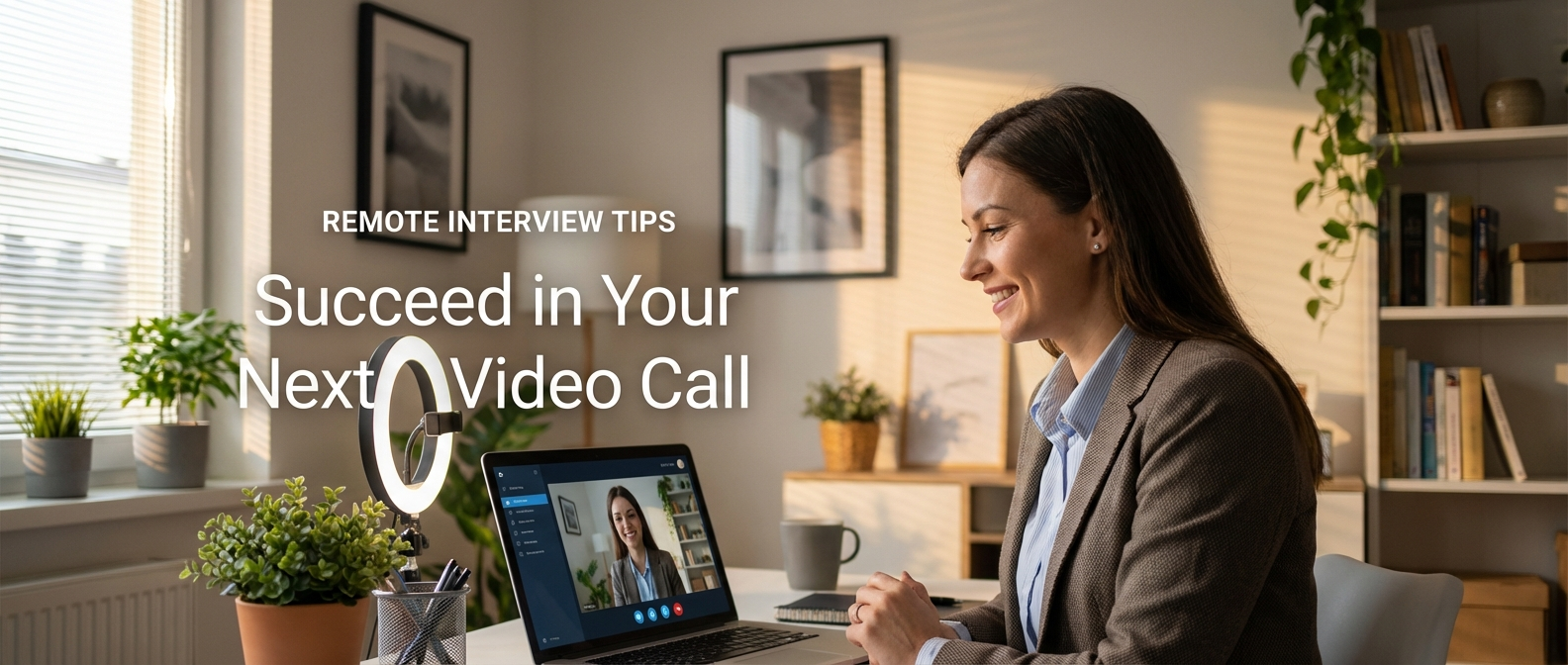
Video interviews aren't going away. Even companies that do in-person work often use video for early rounds, and fully remote companies do all their interviewing this way. Getting comfortable with the format matters.
The good news: a well-set-up video interview puts you in control of your environment in a way an in-person interview never does. The bad news: most people underinvest in that setup and then wonder why something felt off.
Your Technical Setup
Camera
Your built-in laptop camera is usually fine. What matters more than the camera itself is its position. The lens should be roughly at eye level or slightly above - not looking up at your chin and not looking down at the top of your head. If you're using a laptop, put it on a stack of books or a laptop stand to get the height right.
Want to practice what you just read?
Answer a real interview question and get AI feedback in a couple of minutes.
Distance matters too. You should be framed like a news anchor - head and shoulders, with a bit of space above your head. Too close is uncomfortable for the viewer; too far feels impersonal.
Lighting
Lighting makes a bigger difference than most people realize. The goal is to have your face well-lit, without harsh shadows.
The simplest setup: face a window. Natural light from in front of you is flattering and even. If you have to sit with a window behind you, you'll be backlit and look like a silhouette - move your setup or use a lamp in front of you to compensate.
If you're doing interviews regularly or it's important to you, a basic ring light or a desk LED panel is worth the investment. They're not expensive and they make a real difference.
Audio
Audio matters more than video quality. An interview with slightly grainy video but clear audio is fine. An interview with clear video and an echo, static, or background noise is a problem.
Test your audio before every interview. Use headphones with a built-in mic if you're in a noisy environment - they pick up your voice better than your laptop mic does from across the table.
Close the windows if there's street noise. Put your phone on silent. If you have roommates or family at home, let them know you're in an interview.
Background
Clean and neutral beats impressive or cluttered. A plain wall works. A tidy bookshelf is fine. Dishes in the sink, a messy bedroom, or a chaotic background is distracting.
Virtual backgrounds can work in a pinch, but they tend to flicker and cut off parts of your head if your camera or lighting isn't great. If you're going to use one, test it thoroughly first.
Internet Connection
If your wifi is unreliable, plug in via ethernet for the interview. If you can't do that, close every other app and browser tab that might be using bandwidth. If you're sharing a connection with others in the house, ask them to pause any heavy streaming or downloads during your interview window.
Before the Interview
Do a full tech check 30 to 60 minutes before your interview starts. Log into whatever platform they're using - Zoom, Google Meet, Teams, whatever - and make sure it works on your machine. Run the video and audio test.
Have the interview link saved somewhere easy to access. Don't be hunting through your email one minute before.
Have a backup plan. If you have a phone with a decent camera, know that you could switch to it if your laptop fails. Have the interviewer's contact info handy so you can reach out immediately if something goes wrong.
Have a glass of water nearby. Dry mouth happens, especially when you're nervous.
Virtual Interview Etiquette
Be ready a few minutes early. You don't need to join the call ten minutes ahead, but don't be the person scrambling to open the link when the invite time hits.
Look at the camera, not the screen. This is the biggest adjustment in video interviews. Looking at the interviewer's face on your screen feels natural, but from their perspective, you're looking slightly down. Looking at the camera - even though it feels weird - creates the impression of eye contact.
A practical trick: minimize the video window and position it directly below your camera so you're naturally looking in that direction.
Don't interrupt. Video latency makes this worse than in person. Leave a brief pause before you start speaking to make sure they've finished. If you do accidentally talk over each other, stop and say "sorry, go ahead."
Minimize notifications and distractions. Turn on Do Not Disturb on your computer. Close Slack, email, and anything else with popups. Nothing looks more distracted than your eyes drifting to a notification.
Have your notes where you can glance at them without being obvious. One advantage of video is that you can have notes. Keep them close to the camera - not off to the side where it's obvious you're looking away. Sticky notes on the side of your monitor work well for this.
How to Maintain Engagement on Video
Video calls are more tiring than in-person conversations. You're both aware of it. Keeping energy up takes more deliberate effort.
Use vocal variety. Monotone delivery sounds even flatter over video. Vary your pace and emphasis more than you normally would.
Nod and react. Small physical acknowledgments - nodding, leaning slightly forward - show you're engaged. On video, without those cues, you can look blank or uninterested even when you're not.
Smile where it's natural. Not a forced grin, but genuine warmth when it fits. This is especially true at the start and end of the interview.
Keep your answers focused. Video makes it harder to read the room and know if you've been talking too long. Watch for the interviewer starting to interject or their expression shifting. Err on the side of shorter answers and invite them to ask follow-ups.
Recovering from Tech Issues
Tech problems happen. The key is to handle them quickly and calmly without letting them derail the interview.
If your audio cuts out: Wave, hold up a finger to signal a pause, and use the chat to say you've lost audio. Fix it if you can (rejoin, switch devices), and apologize briefly when you're back. Don't over-apologize.
If the video freezes: Keep talking. Most freezes are brief. If they last more than a few seconds, check if they can still hear you via chat.
If the connection drops entirely: Rejoin immediately. If you can't get back in, call or text the interviewer using the contact info you had ready. Apologize, ask if they're okay to continue, and get back on track. Don't make it a bigger deal than it is.
If there's background noise you can't control: Acknowledge it briefly ("sorry about the noise, a neighbor is doing construction"), then move on. Don't keep apologizing.
Interviewers are people. They've experienced tech issues too. A calm, quick recovery is actually a minor positive signal - it shows composure under uncertainty.
One Last Thing
Do a dry run the day before if you're not used to video interviews. Open your platform of choice, check your camera angle and lighting in the preview, say a few things out loud to test your audio. It takes ten minutes and takes one variable of uncertainty off your plate.
The interview itself is the hard part. Don't let fixable technical issues be what you're thinking about when you should be focused on your answers.
Vidal Graupera
January 10, 2026